

An autopilot automation tool can go wrong: poor isolation on a shared VPS can compromise your production database. Here is how I self-hosted n8n in production on a VPS I already ran, without disrupting existing infrastructure.
The Context: Making the Most of an Existing VPS
For my own automation, a lead-qualification pipeline that intercepts contact form submissions, enriches them via web search, scores them, and feeds a shared CRM, plus a WhatsApp CRM assistant, I needed a workflow orchestrator. Rather than paying for execution-based cloud subscriptions, I chose to self-host n8n on a VPS already running for my work, maximizing existing resources rather than multiplying infrastructure costs.
Architecture Choice: Complete Isolation
PostgreSQL 16 container (officially recommended by n8n over MySQL)127.0.0.1:5678, never directly to the public webserver_block for n8n.samensteeve.comStep-by-Step Deployment
1. Prepare Dedicated Directory
sudo mkdir -p /opt/n8n
cd /opt/n8n
sudo mkdir -p n8n_data postgres_data
2. Environment Variables (.env)
N8N_HOST=n8n.samensteeve.com
N8N_PROTOCOL=https
N8N_WEBHOOK_URL=https://n8n.samensteeve.com/
N8N_ENCRYPTION_KEY=<generated_key>
GENERIC_TIMEZONE=Africa/Douala
TZ=Africa/Douala

DB_TYPE=postgresdb
DB_POSTGRESDB_HOST=postgres
DB_POSTGRESDB_DATABASE=n8n
DB_POSTGRESDB_USER=n8n_user
DB_POSTGRESDB_PASSWORD=<strong_password>

POSTGRES_USER=n8n_user
POSTGRES_PASSWORD=<same_strong_password>
POSTGRES_DB=n8n
3. Write docker-compose.yml
services:
  postgres:
    image: postgres:16-alpine
    container_name: n8n_postgres
    restart: always
    env_file: .env
    volumes:
      - ./postgres_data:/var/lib/postgresql/data
    healthcheck:
      test: ["CMD-SHELL", "pg_isready -U ${POSTGRES_USER} -d ${POSTGRES_DB}"]
      interval: 5s
      timeout: 5s
      retries: 10
    networks:
      - n8n_net

  n8n:
    image: n8nio/n8n:latest
    container_name: n8n
    restart: always
    env_file: .env
    ports:
      - "127.0.0.1:5678:5678"
    volumes:
      - ./n8n_data:/home/node/.n8n
    depends_on:
      postgres:
        condition: service_healthy
    networks:
      - n8n_net

networks:
  n8n_net:
    driver: bridge
Real-World Debugging Lessons
Three specific issues arose during deployment: volume file permissions (resolved via chown -R 1000:1000), initial Postgres credential mismatch, and a Google Safe Browsing false positive on the newly created login subdomain.
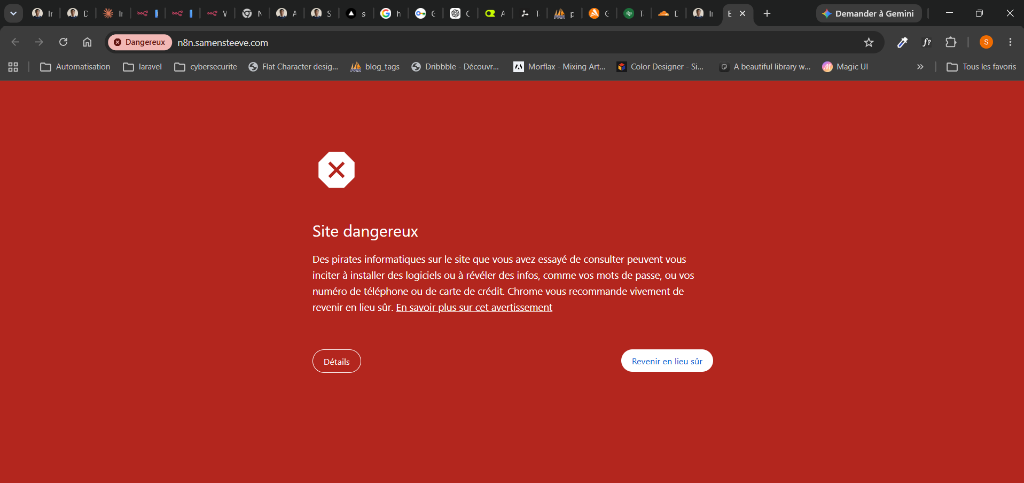
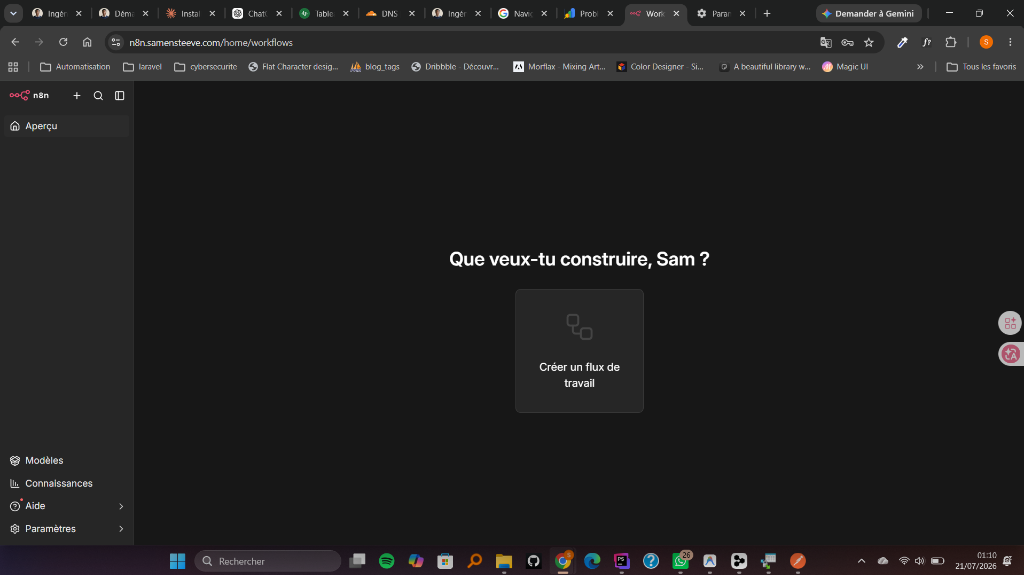
n8n Up & Running
Once the Google false positive was cleared via Search Console review, the n8n instance became fully accessible and ready for workflow automation.
What's Running in Production Today
The n8n instance is deployed and secured on n8n.samensteeve.com (2FA, automated PostgreSQL backups). The Lead Qualification Agent runs there in production, connected to the WhatsApp CRM Assistant (built and tested) by a shared CRM Data Table, the core of the system.
Lead Qualification Agent (write), in production
Autonomous AI agent that intercepts form submissions, enriches data via Tavily, scores the lead 1-10, and writesto the CRM Data Table (upsert by email). Personalized response email sent to the prospect in < 30s. Redis memory, strict Output Parser (constrained JSON schema), retry on Gmail and Tavily. Header-secured webhook + IP filtering, the workflow is published and receives form submissions.
WhatsApp CRM Assistant (read & operational), awaiting credentials
WhatsApp agent that allows reading and querying the same CRM in natural language, check recent leads, look up by email, update status, send professional emails. Redis memory for conversation context. Built and tested in manual mode; publication only awaits the WhatsApp Business credentials.
The Complete Pipeline
Both workflows form a unified system: the Lead Agent populates the CRM with qualified, enriched leads, while the WhatsApp Assistant allows querying and acting on that data directly from WhatsApp, without opening the n8n interface. Shared Redis memory for conversation continuity between both agents.
n8n-webhook-secret) for the Lead Agent, WhatsApp Business authentication for the CRM Assistant (once its credentials are set).retryOnFail configured on critical nodes (Gmail, Tavily, HTTP) with 3 attempts.Takeaways
Proper self-hosting requires robust isolation, security hardening, and proper reverse proxy configuration. It ensures cost-effective workflow automation without compromising production reliability.